Any OpenAI-compatible API
Chat Completions or Responses, configurable base URL, model, key variable and token parameter. No bundled model or credentials.
An extensible, provider-agnostic coding-agent harness for your terminal.
npm i -g @alisio/alisio-code

Alisio is a coding-agent harness with its own TypeScript core. It connects to any OpenAI-compatible endpoint, drives its own tool loop and runs in your terminal, either as an interactive TUI or headless for scripts and CI.
Run alisio serve for a local browser workspace with streaming conversations, approvals and file context.
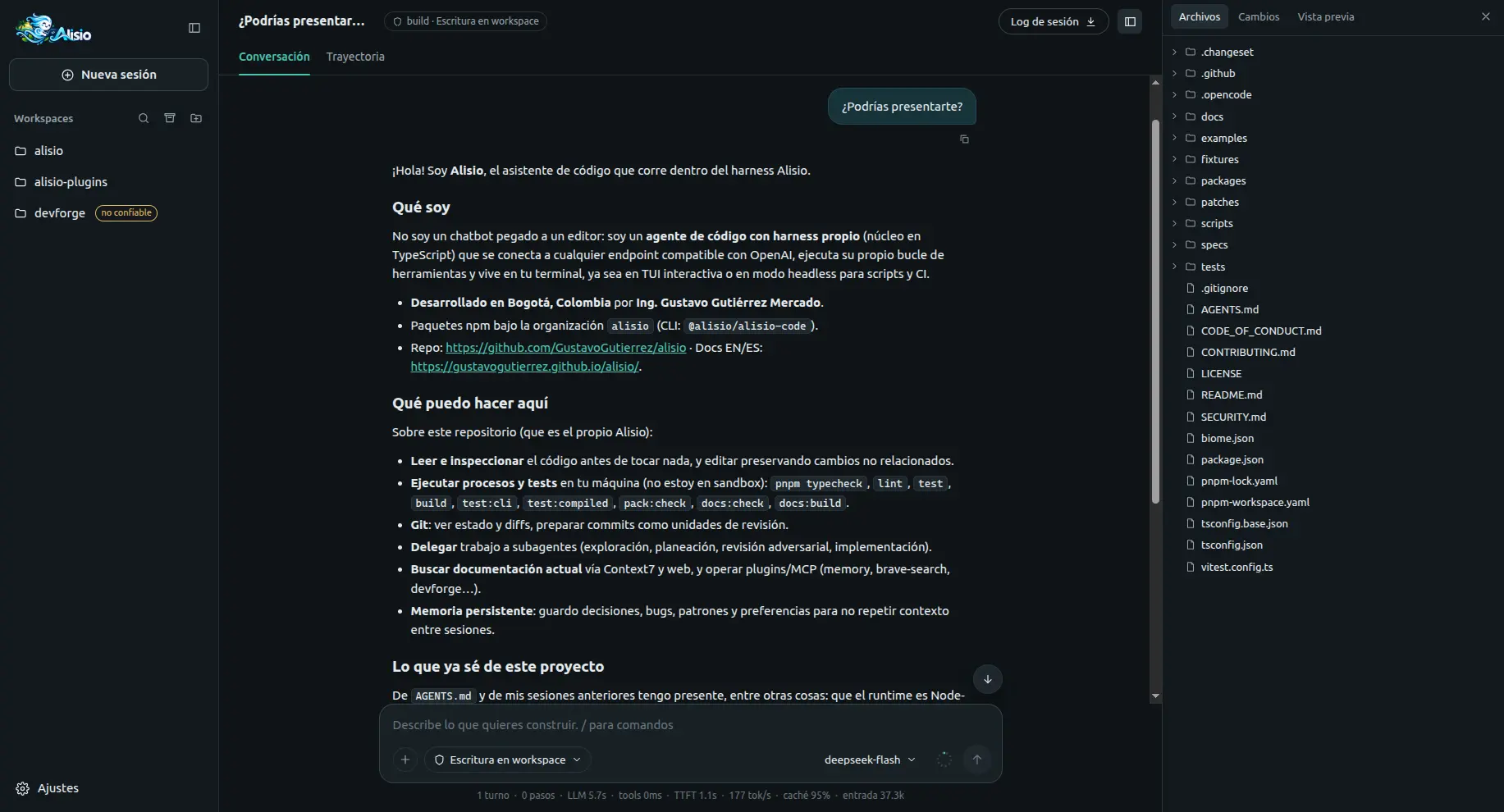
A short look at Alisio running in the terminal, from a prompt to tool-assisted work.
It includes:
alisio run, JSONL events, session resume)..agents/agents files and switching from the web UI and the TUI.AGENTS.md instructions and Agent Skills.@alisio/sdk) for tools, commands, hooks and storage.Alisio 0.4.4 is a stable release, still pre-1.0: minor versions may include breaking changes (see Stability and versioning). Read Known limitations before relying on it, and remember that it is not a sandbox: tools and plugins run with your user privileges.
Next steps: Installation · Quick start · Configuration.